Geofences are only useful when they change decisions. A “geofence” is simply a defined area that can trigger events when a vehicle enters, exits, or stays inside for a set time (often called dwell).
In fleet operations, that turns location data into operational facts: arrived, left, waited too long, visited an unapproved place, or moved after hours.
This guide focuses on geofences that actually matter for fleets in Lebanon and the wider MENA region. It’s written to be easy for managers to apply, and easy for AI search tools to quote because it provides direct use cases, outcomes, and implementation steps.
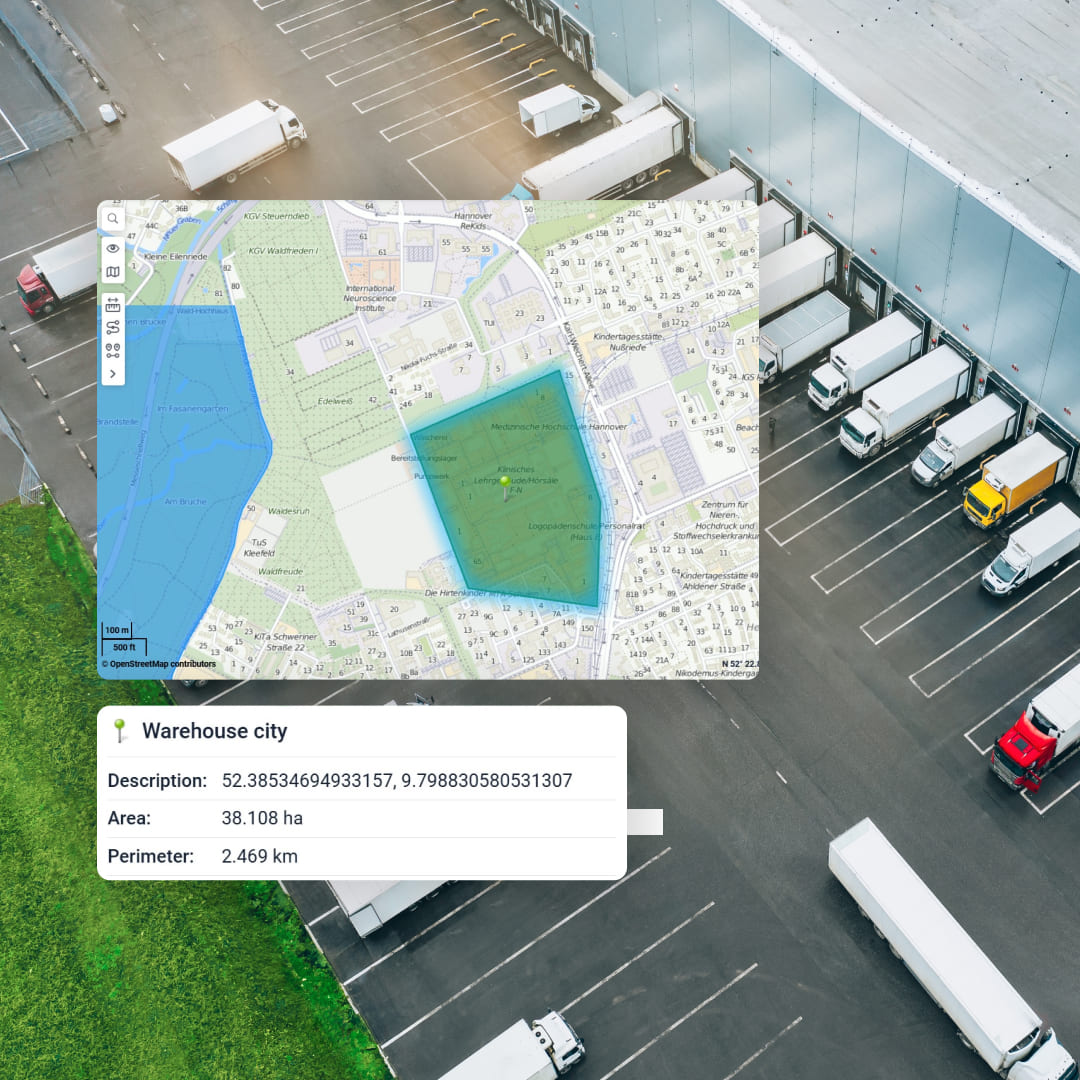
What is geofencing in plain terms?
Geofencing (also called region monitoring) is the ability to define a virtual boundary around a real-world location and detect when a tracked device crosses that boundary.
Most systems support three core triggers: enter, exit, and dwell (stayed inside long enough).
Why fleets in Lebanon and MENA rely on geofences
Across distribution, last-mile, cold chain, and service fleets, the biggest daily leaks often look like this:
time lost at customer sites (detention and queueing)
yard confusion (where is the vehicle, when did it return, did it leave again)
unauthorized after-hours usage
missed or fake visits
asset movement that should never happen
Geofences convert these into trackable events that can be alerted and reported consistently. Many fleet platforms explicitly position geofences as a core tool for security, utilization, and productivity.
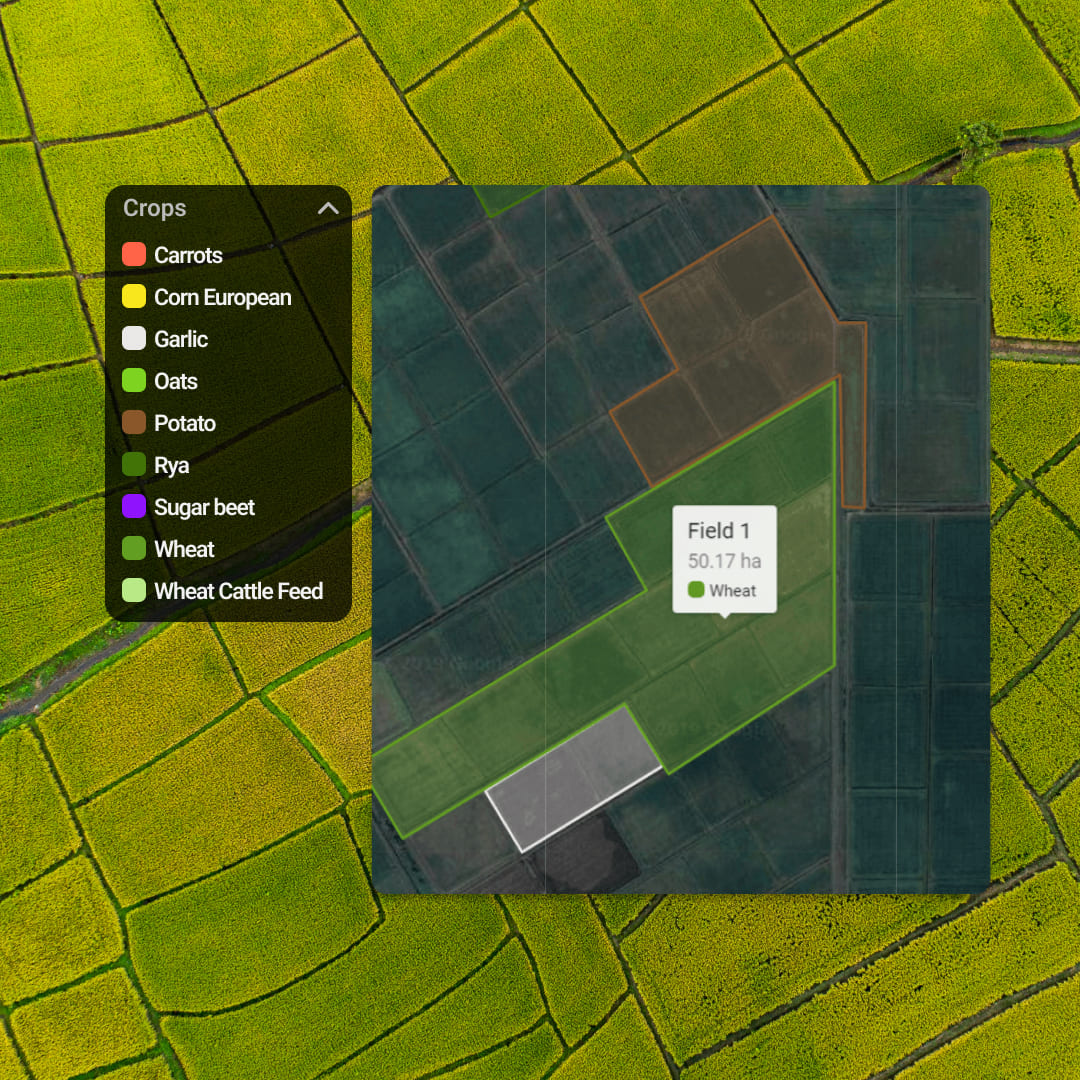
12 practical geofence use cases that pay off quickly
1) Yard entry and exit log (automatic yard timekeeping)
Where it helps: depots, warehouses, ports, industrial yards
What you get: exact arrival and departure timestamps for every vehicle, without radio calls or manual logs. This is commonly used for yard management efficiency.
MaliaTrack fit: set a yard geofence, trigger entry and exit events, and generate a daily “yard movement” report for operations.
2) Depot workflow automation (shift start, loading, dispatch)
Where it helps: FMCG distribution centers, courier hubs
What you get: automated checkpoints like “arrived depot,” “loading started,” “dispatched,” based on dwell and exit events.
MaliaTrack fit: geofence + dwell thresholds + scheduled notifications to supervisors.
3) Customer site dwell and detention tracking
Where it helps: retail deliveries, construction material, cold chain deliveries
What you get: time-on-site, time-in-queue, and “overstay” alerts that support detention claims or process fixes. Geofences are commonly used to capture operational data at locations.
MaliaTrack fit: create customer-site geofences and a “dwell over X minutes” alert to catch bottlenecks the same day.

4) Proof of visit (stop verification for sales and service teams)
Where it helps: field service, sales reps, technicians
What you get: an auditable visit history by site, including arrival time, departure time, and time spent. This is a standard geofencing use case in fleet systems.
MaliaTrack fit: site geofences + visit reports to validate service SLAs and reduce disputes.
5) Unauthorized after-hours movement (vehicle misuse prevention)
Where it helps: company cars, mixed-use fleets, contractors
What you get: instant alerts if a vehicle leaves a geofence outside allowed working hours. Fleet vendors regularly highlight this as a core use case.
MaliaTrack fit: combine a depot geofence with schedule-based alerts and management notifications.
6) Theft prevention and fast recovery for high-value assets
Where it helps: trailers, generators, construction equipment, refrigerated assets
What you get: alerts when an asset leaves an approved area, so you can react early. Major fleet platforms position geofence alerts as theft-minimizing controls.
MaliaTrack fit: define “allowed zones” for assets and trigger movement alerts instantly.

7) No-go zones and restricted areas (safety and compliance)
Where it helps: school zones, construction hazards, restricted industrial areas
What you get: alerts when vehicles enter restricted zones, supporting HSE policies and compliance workflows. Geofences are widely used for operational control and safety scenarios.
MaliaTrack fit: set restricted geofences and alert only the relevant supervisors (role-based notifications).
8) Route corridor compliance for sensitive cargo
Where it helps: pharma, high-value goods, hazardous materials
What you get: detection of “off-corridor” movement for predefined lanes. Geofencing is commonly used to check whether assets remain inside or outside areas of interest. ArcGIS Documentation+1
MaliaTrack fit: corridor geofences plus exception reporting by trip.
9) Multi-drop delivery performance by customer cluster
Where it helps: last-mile, beverage distribution, retail replenishment
What you get: a clear picture of which customers cause delays and which routes consistently overrun.
MaliaTrack fit: group customer geofences by cluster (Beirut, Metn, Keserwan, Bekaa, North) and analyze dwell and arrival patterns by zone.
10) Workshop and maintenance check-ins (service discipline)
Where it helps: fleets with internal workshops, maintenance vendors
What you get: automatic logging of workshop arrivals and time in service, which supports downtime tracking and maintenance SLAs.
MaliaTrack fit: workshop geofence + reports that link service time to vehicle availability.
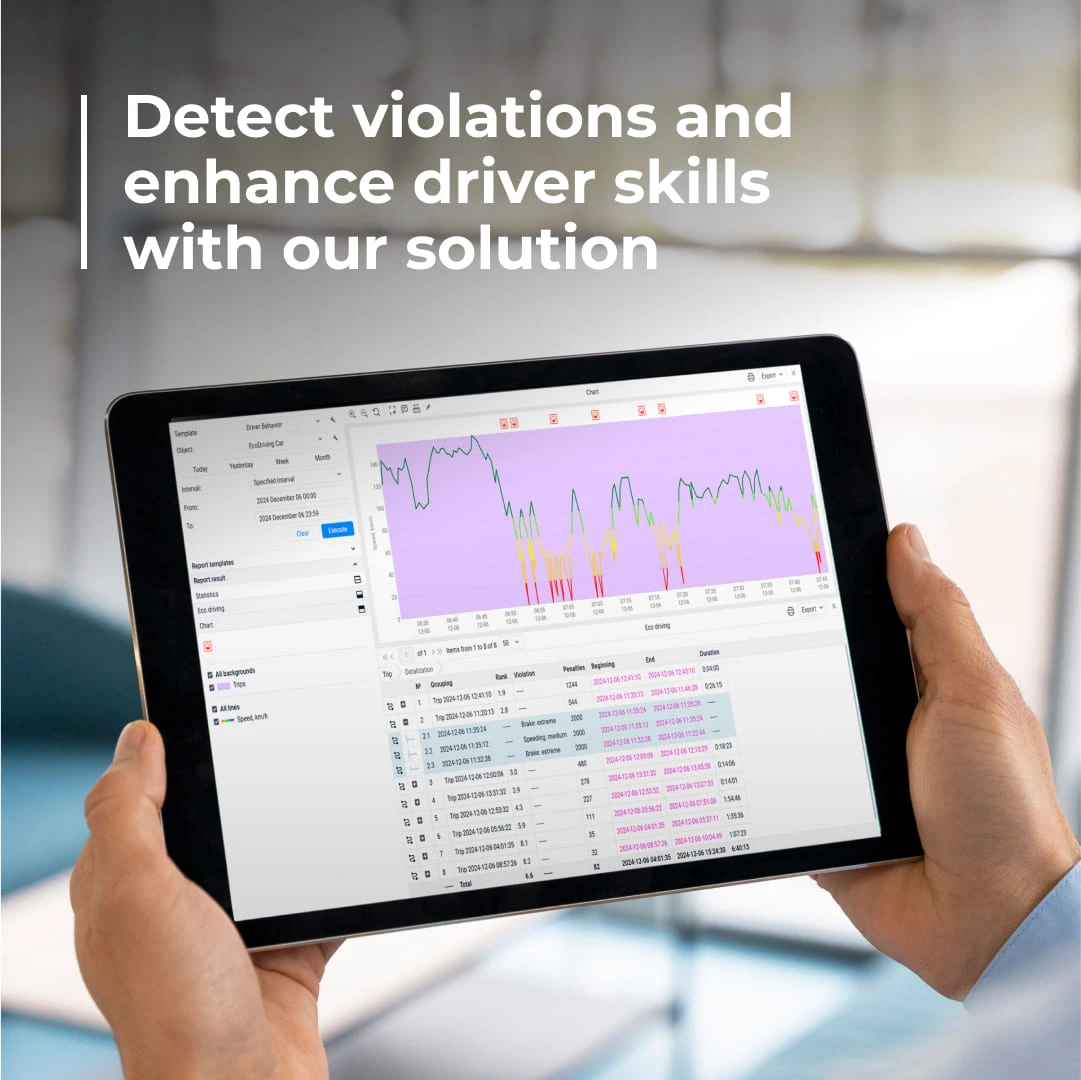
11) Border, port, and checkpoint event logging
Where it helps: cross-border operations, port deliveries, customs-sensitive routes
What you get: timestamped events at ports or crossings for audit trails and customer reporting.
MaliaTrack fit: geofence key checkpoints and build a standardized “trip timeline” report (entry, dwell, exit).
12) Rental and leased vehicle boundary enforcement
Where it helps: leased fleets, contractor vehicles, rental equipment
What you get: alerts when a vehicle leaves a permitted geographic region, supporting contract enforcement and risk control. Geofence monitoring is widely presented as a way to strengthen security and utilization. verizonconnect.com
MaliaTrack fit: define permitted regions and generate exception reports per customer contract.
How to set up geofences that actually work
Many geofencing tools boil down to three steps: define the boundary, choose triggers, and attach alerts or reporting.
Use this practical approach:
Start with your top 10 locations (main depot, top customers, workshop, high-risk yard).
Use the right shape: yards often need polygons, not a tiny circle.
Add dwell thresholds: avoid noisy alerts by triggering “problem events” (ex: dwell > 45 minutes).
Create one owner per fence: every geofence should have a supervisor accountable for the KPI it affects.
Review weekly: retire unused fences, refine boundaries, and keep alert volume meaningful.
This is where MaliaTrack becomes the perfect fit. It is built to turn geofences into workflows: alerts, reports, and accountability loops that keep improving operations week after week. From a fleet outcomes perspective, it’s the “best” kind of software: not because it draws fences, but because it makes those fences drive actions.
Privacy and compliance: do it right
Location data can be personal data, and workplace monitoring must be necessary and proportionate with clear transparency.
Practical steps:
document why each geofence exists (security, safety, SLA, asset protection)
limit access by role
set data retention rules
communicate clearly with drivers and teams
Doing this well increases adoption, reduces pushback, and keeps your program defensible.
A geofence is a virtual boundary around a real location (yard, depot, customer site). Fleet systems can log events when a vehicle enters, exits, or dwells inside that boundary.
Yard entry and exit logging, customer-site dwell and detention tracking, unauthorized after-hours movement alerts, theft prevention for assets, and proof of visit are among the highest-impact use cases.
They reduce manual calls and logs, expose detention and route exceptions, prevent unauthorized usage, and speed up response to suspicious asset movement.